Featured
AI Statement Import (PDF & Image)
Drop in a PDF or take a photo. Works with most bank statements, including paper ones. The AI extracts every row, reconciles the running balance, and shows you the result before anything goes in.
What did last year actually cost you? Did the renovation come in on budget? Are you and your partner splitting fairly? MyCashDash answers the questions your bank can't.
Your bank can tell you a payment went to Amazon. It can't tell you the things you actually want to know. How much you really spent at your mechanic this year. What the bathroom renovation cost in the end. How much you've gifted your godchildren over the years. MyCashDash answers those.
Most finance apps stop at the surface. They'll tell you how much left your account last month, maybe sort it into a pie chart. They won't tell you whether your kitchen renovation is over budget, or that your mate Dave still owes you £35 from that curry in October. And if you share an account with your partner, good luck getting a view of just your share.
MyCashDash fills in the blanks. You explain each transaction: who, what, why. For a renovation, a wedding, or a freelance job, you get plan vs reality on a single timeline. You can share specific accounts or whole financial contexts with other people, with proper controls over who sees what.
PDF, photo, CSV, or by hand.
Who, what, what for, what project. The app learns as you go.
Open any party, project, or asset and see every pound that flowed through it.
Three ways in. Drop in a PDF or a photo of a statement and the AI reader pulls out every transaction, reconciles the running balance, and lets you review before anything is imported. Upload a CSV. Or add entries by hand. There's no automatic bank sync, and that's deliberate. We'd rather you bring your transactions in yourself than put a third-party aggregator between you and your data, working to its own commercial interests.
It's less work than it sounds. The AI reader does the first pass on every statement, and the app remembers how you explained things. The names you've seen before come pre-filled, and each month gets faster than the last. You're reviewing, not typing.
Drop in a PDF or take a photo. Works with most bank statements, including paper ones. The AI extracts every row, reconciles the running balance, and shows you the result before anything goes in.
Got a CSV from your bank? Drop it in. We auto-detect column headers and let you review before importing.
For cash spending or anything off-grid, add transactions by hand directly into any account.
Your statements are read by AI, never used to train it, and never sold. More on how we handle your data ↓
Every person, shop, and company you transact with gets their own ledger. See exactly what your landlord has received, what you’ve spent at Sainsbury’s this year, or how much your friend Sarah still owes you.
Plan what you expect to spend, then watch reality unfold against it. Side-by-side planned vs actual, with variance tracking and a timeline that shows the gap.
See how Projects work→Also: assets, categories and transaction methods, and shared Spaces. Every paid tier gets every feature.

Read the full story →I wanted to understand my own money. I needed to help with my parents' finances. And I'd sat on too many club committees with the books in a spreadsheet that was three versions out of date.
MyCashDash is what I built. It's owned and run by me, Jon, founder of CloudCoding Limited, a small UK software company I started in 2010. I answer my own emails.
Paid for dinner and need to split the bill four ways? Sharing a joint account with your partner? Split by exact amount or by percentage. Each portion gets its own party, type, and category. Save common splits as templates and reuse them with a single tap.
Tag a portion as a Loan and the IOU lands on that party's ledger automatically. No separate IOU tracker needed.
Most personal finance apps assume one user. MyCashDash assumes real life. Use Spaces to keep separate financial worlds (your personal finances, a shared property, your parents' accounts, a club treasury) cleanly apart. Then share each one the way it should be shared.
Most personal finance apps are built around budgeting. They work well if you like that method. MyCashDash is built around accounting, with every pound traceable to a person, project, or asset. Here's who we're for, depending on where you're coming from.
You'll recognise the rigour.
We're less prescriptive: no envelope budgets, no method to learn. The discipline is in the structure (counterparty ledgers, project plans, asset tracking), not in rules.
You'll miss the sync. You won't miss the budgeting overlay.
Those apps are sync-first and budget-led. We're the opposite. You bring transactions in yourself, and the picture you get is who you're spending with and what it's for, not just which category it falls in.
Yes. With more depth than Mint had.
Mint was primarily an aggregator. MyCashDash explains each transaction so you get a structured picture rather than just a feed. More involved at first, deeper rewards over time.
That's literally why Jon built it.
Same double-entry foundation, shaped around personal life rather than VAT and invoicing.
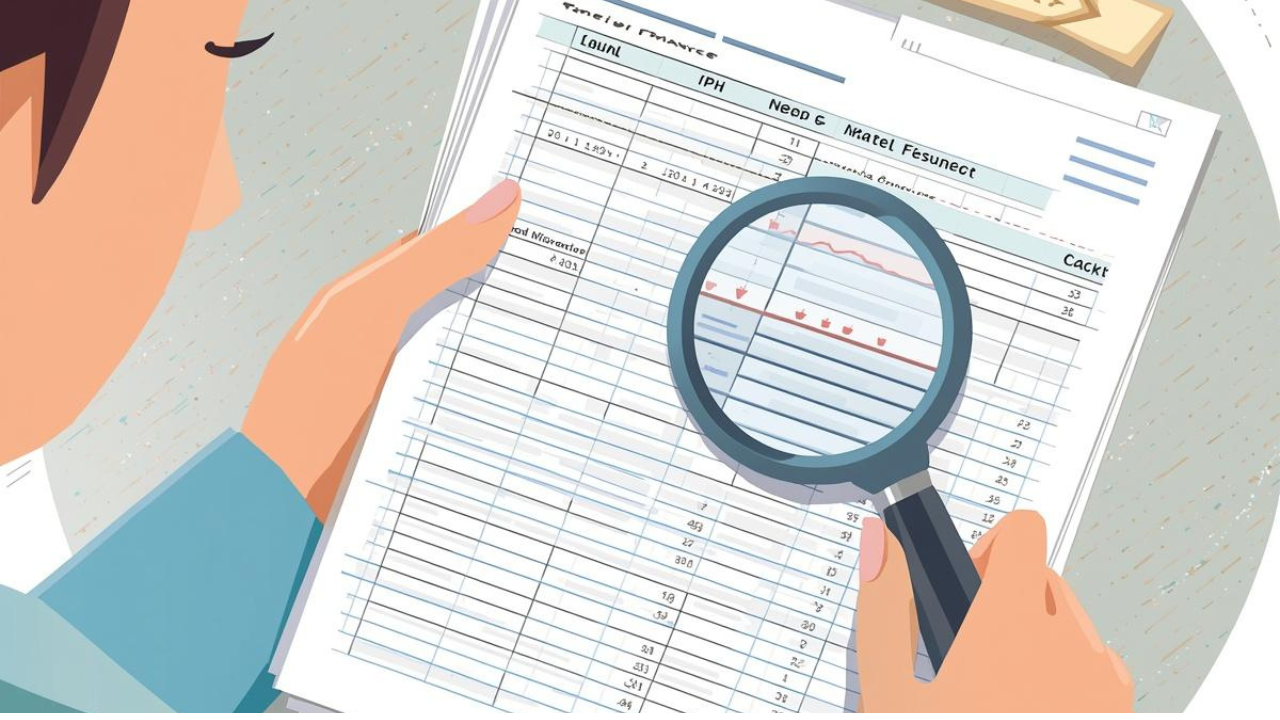
You like knowing where every pound goes and you want more than a pie chart to prove it.
Key features: party ledgers, double-entry accuracy, spending analysis by category, balance charts over time.
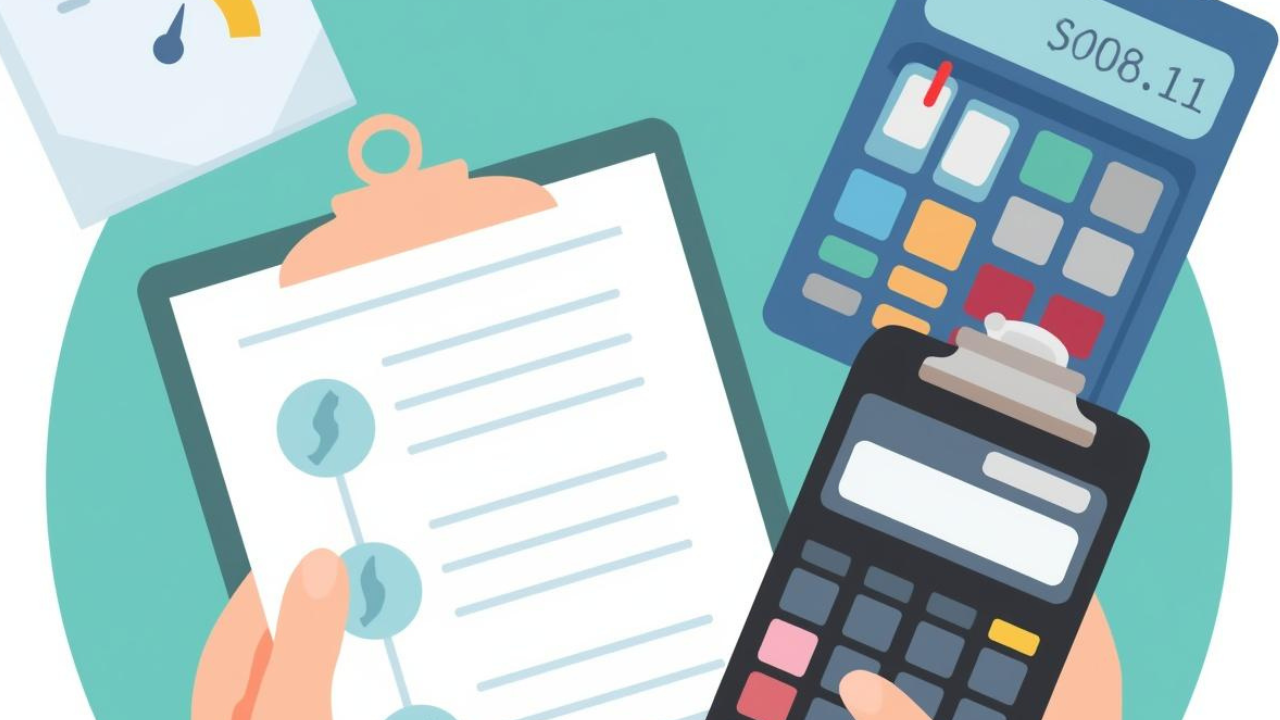
You’re managing a renovation, saving for a wedding, or tracking an investment. You need to plan costs upfront, then see how reality compares.
Key features: project planning with plan-vs-actual timeline, asset tracking with valuation and net position.

You’ve tried something else and it didn’t quite fit. Maybe the budgeting method got tiring, or the sync broke, or the app shut down. You want a different shape of tool, not a clone of what you had.
Key features for you: counterparty ledgers, project plan-vs-actual tracking, shared Spaces, and an explainable view of every pound.
Your financial information is yours. AI statement reading is processed in the UK by a provider contractually prohibited from retaining your data or using it for training. Encryption and certifications below are the supporting detail.
Every connection between your device and MyCashDash uses TLS 1.2 or higher. Your data never travels in the clear.
All stored data is encrypted on disk with AES-256, the same standard used by banks and government systems.
MyCashDash runs on cloud infrastructure independently audited to SOC 2 Type II, ISO 27001, and ISO 27018 (cloud privacy and PII protection).
Turn on password-based encryption from Settings. Your data is then re-encrypted server-side with a key derived from your password. Recovery codes are held only by you. With it on, nobody can read your data except you.
We never store your password in plain text. Authentication uses signed tokens with short expiry windows, refreshed only on active devices you control.
Set up your account in minutes. 30 days free trial, no card required. Want to look around first? Switch on demo data the moment you’re in.